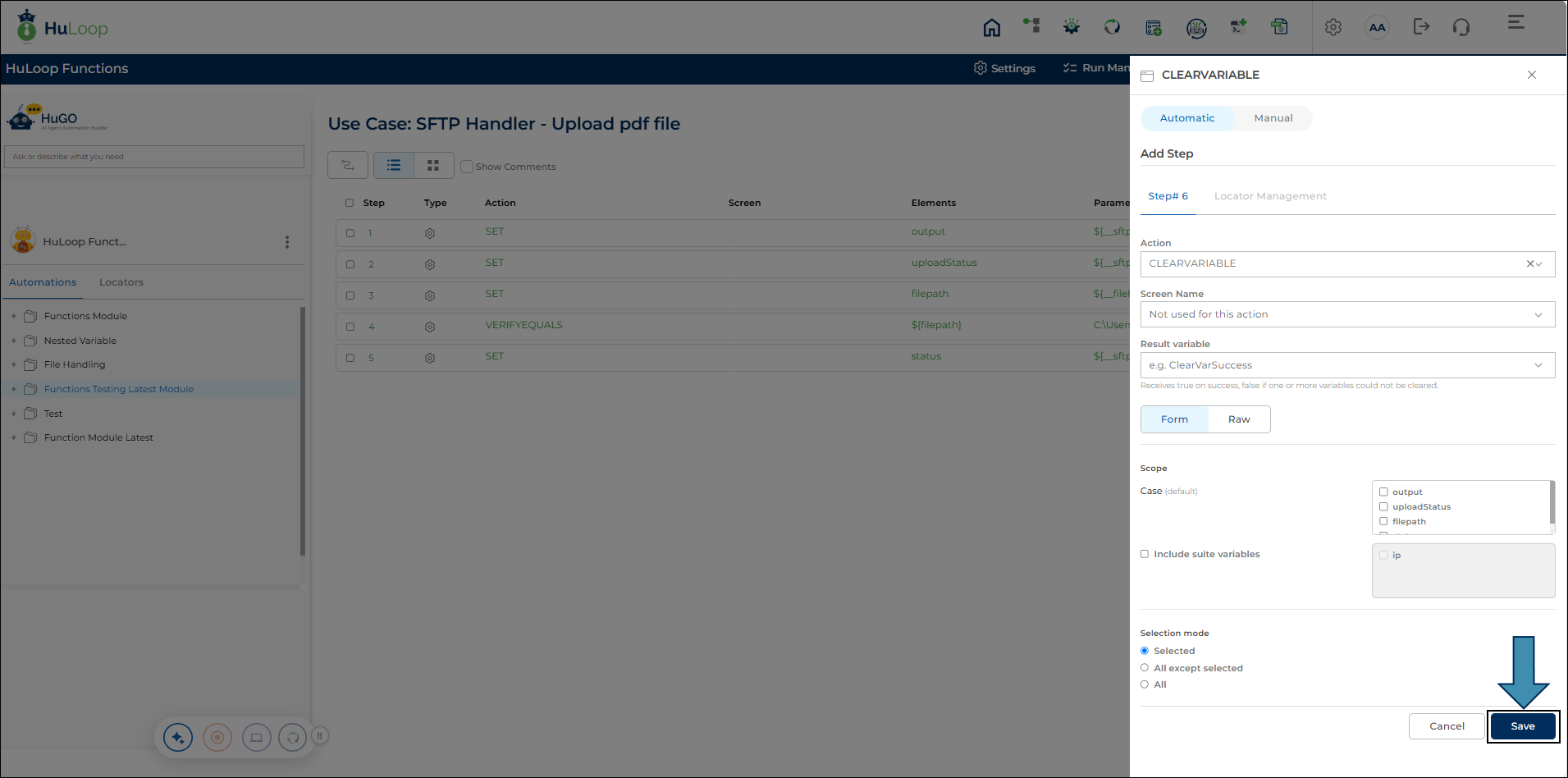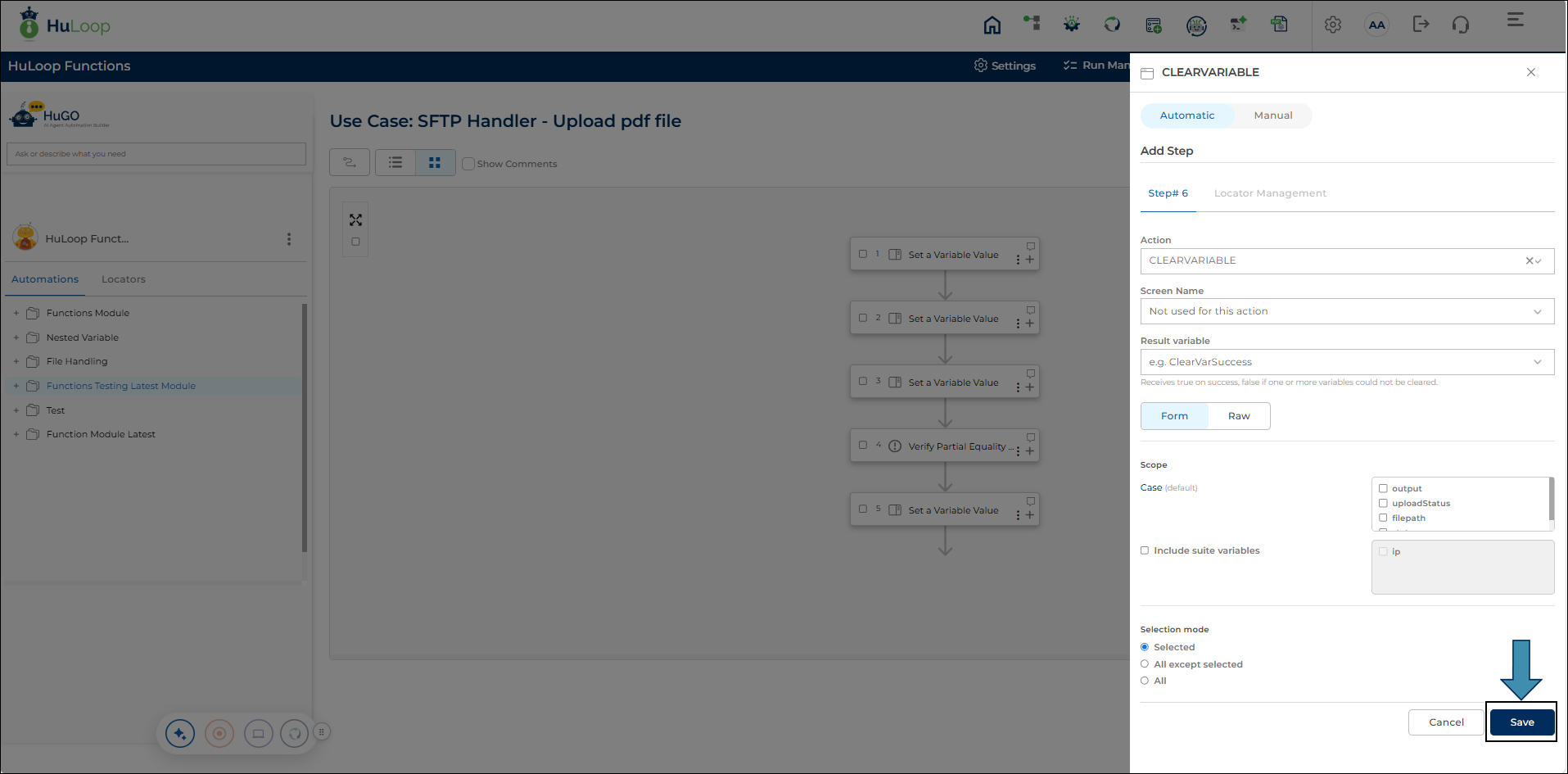

Nintex Command: CLEARVARIABLE
The Nintex Command, CLEARVARIABLE, is a new action in the Automation Studio catalog that resets a named variable’s value without removing it from scope, case or suite. Case-scope variables are cleared by default; Suite-scope variables require an opt-in since clearing them can affect values shared across multiple cases.
There are three selection modes:
- Selected: Clears only the specified variable(s).
- All Except Selected: Clears all eligible variables except those specified.
- All Variables: Clears every eligible variable.
Steps to Configure.
- Select CLEARVARIABLE from the Action dropdown menu.
- In the Scope area, select the local variables from your Automation you want to clear in the section labeled Case, or select Include Suite Variables to choose pre-conditioned variables from your test case or test suite.
- Next, click Selected, All Except Selected or All Variables.
- Click Save.
Informational Note: Module and Global Scope variables are not targeted at this time.